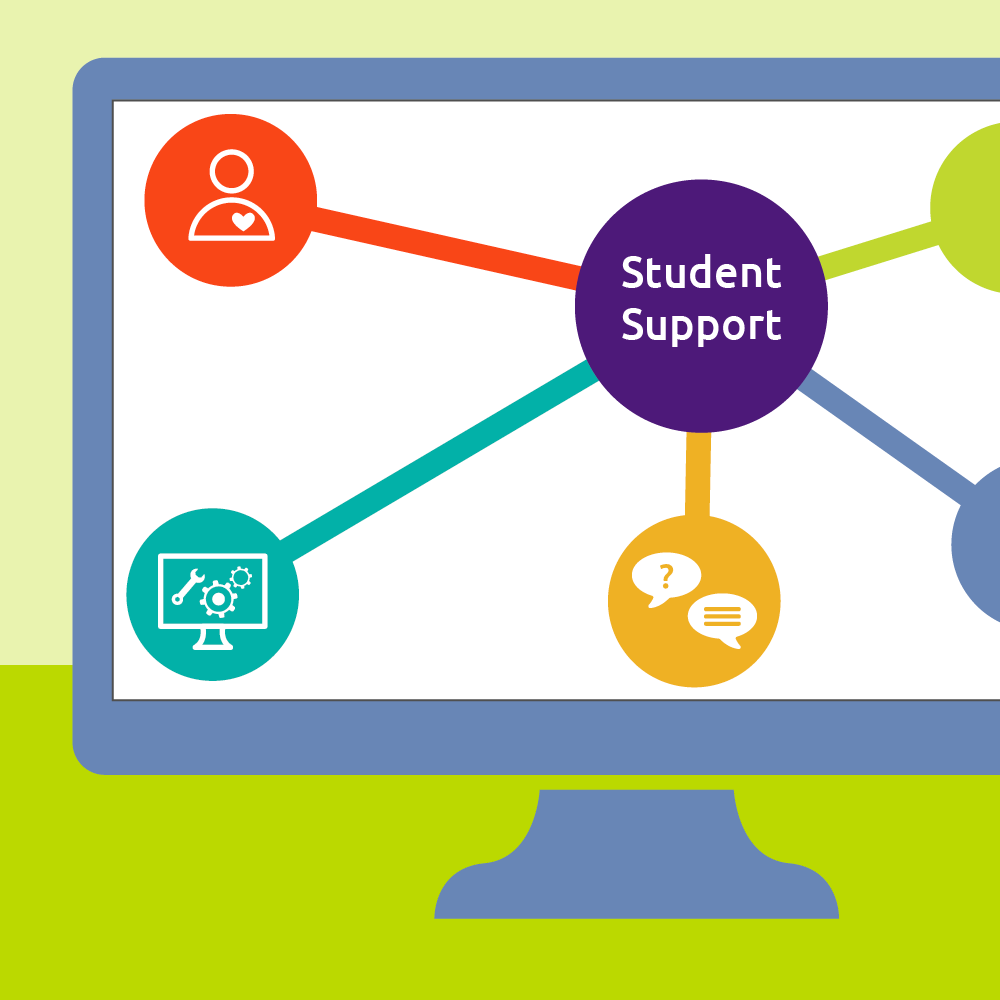
Student Support
We want to support you on your path to Digital Fluency
Below you will find a curated list of links, posts, and videos we think would be useful to students taking our microcredentials.
- Watch a short video on how to navigate your DFI microcredential.
- Follow step-by-step instructions for accessing Microsoft 365 software, and how to add a badge to your LinkedIn profile.
- Explore ACC support links covering general, academic, personal, financial, technical, and community support.
As our program grows, so might the content of this page so check back regularly for updates.
Can’t find the help you need?
Contact Raquel, your DFI Student Support Specialist!
- Personalized Guidance
- Registration Assistance
- Bilingual English/Spanish
- Zoom meetings

DFI Support Videos
Here are video support resources regarding Digital Fluency & Innovation microcredentials:
April 2025 QEP Update
This month’s outreach efforts included the production of a new Digital Fluency animation microcredential video by ACC GROW student Kara Buckner. Linda Smarzik, Ann Kennedy, and Ann Pamela Saez filmed student testimonials for marketing purposes, and Linda provided a testimonial on the benefits of collaborating with Kara Buckner. Meetings were held with Chandra Vanajakshi, Kevin Clark, and Paula Luera to discuss becoming Digital Navigators, and with Andrea Kehoe to explore integrating AI Microcredentials into the AAIA Summer School Program. Karina Hernandez successfully submitted an AI proposal for a three-day summer institute workshop. Additionally, discussions with Jenna Cullinane Hege and Connie Wall focused on the current landscape of microcredentials at the Texas Higher Education Coordinating Board.
The migration of microcredentials from Brightspace Leap to Blackboard Ultra continued, along with ongoing development of the Systems Thinking and Project Management microcredentials. Data highlights include 141 digital badges awarded to students who completed Spring #1 microcredentials.
May 2025 QEP Update
The DFI team had a busy month with several key activities. They met with Kara Buckner to discuss future animation projects for Digital Fluency. Linda Smarzik planned a presentation for Central New Mexico’s Summer Innovation Institute with Christine Goshorn and coordinated a co-presentation with El Paso Community College. Collaborations with the Curriculum and Programs team advanced the build-out of Blackboard Ultra microcredential sections for summer. Work on the AI Microcertificate continued in a planning session with Mary Kohls. Linda participated in the monthly Digital Badging Subcommittee meeting and attended the ACC GROW End-of-Year Celebration. Karina Hernandez attended the AVANCE to College End-of-Year Celebration. Additionally, Linda presented a proposed paid delivery model for microcredentials to Central New Mexico College.
In the area of microcredentials, a marketing request was submitted to promote DFI program awareness and registration for Fall microcredentials. The migration from Brightspace Leap to Blackboard Ultra continued, with ongoing development of the Systems Thinking and Project Management microcredentials. Data highlights include six students earning the Web Presence Fundamentals Microcertificate, 185 digital badges awarded to students who completed Spring #2 microcredentials, and the completion of two new microcredentials offered as pilots for Summer 2025. Additionally, six new Co-Curricular Digital Navigators joined the program through targeted outreach and word-of-mouth recruitment.
June 2025 QEP Update
Monthly Summary In July, Linda Smarzik and Raquel Racusin presented at the Summer Innovation Institute at Central New Mexico College,
February 2025 QEP Update
Migration from Brightspace Leap to Blackboard Ultra continued, alongside development on the Systems Thinking and the newly begun Project Management microcredentials. The Spring Session #1 commenced on February 3rd, and a paid model pilot was launched in collaboration with Austin Non-Profit. Data highlights include 235 students enrolling through the opt-in process for the first semester session in Spring 2025.
March 2025 QEP Update
In March, Linda Smarzik participated in several outreach activities, including working with the Career and Life Design Center Committee and discussing the impact of Microsoft 360 License changes on Digital Fluency. She met with Lisa Maria Coppoletta to talk about the Digital Navigator initiative and attended the monthly Badging Committee meeting. Linda explored potential partnerships with Barry Silverberg and discussed the benefits of becoming a Digital Navigator with Saeed Sallemikia. She also presented updates from the AI Advisory Committee and continued discussions with Kathy Dowdy about registration processes for Adult Education.
The migration from Brightspace Leap to Blackboard Ultra progressed, along with ongoing development of the Systems Thinking and Project Management microcredentials. Spring Session #2 commenced on March 31st. Data highlights include 245 students enrolling through the opt-in process for the second spring semester.
Navigating Your DFI Microcredential: A Student’s Guide to Success
Learn how microcredentials work in this short video
DFI Support Links
Here are links to support resources regarding Digital Fluency & Innovation microcredentials:
How to download Microsoft Access
Microsoft Access is available for free to all ACC Students, Faculty, and Staff. You’ll need a PC with Windows OS
How to add a badge to LinkedIn
For instructions on how to add a microcredential badge to your LinkedIn profile, follow the steps on this page and/or
How to get Microsoft Office 365
Microsoft Office 365 is offered for free to all ACC Students, Faculty, and Staff. Follow the steps to get your
General Student Support Links
If you need support as a student at ACC, here are some links to resources to help you:

ACC Student Support
Hundreds of links grouped in categories such as Academic, Personal, Technology, Financial, and Community.

Student Help Desk
Get answers to questions relating to registration, transcripts, financial aid, ACCmail, ACCeID, advising, and more.

Student Knowledge Base
Helpful articles and videos available 24/7 to answer common questions new students may have.
Academic Support for Students
Below are some specific Academic Support links we feel might be useful to microcredential students. View additional Academic Support resources on the Student Support page of ACC’s website.

ACC Libraries
Get help with research and assignments, check out books, check out laptops (up to 3 hours), photocopy (10 cents a page), print.

Learning Labs
A quiet place to study, reliable internet, computers to use, study group spaces, free printing (up to 15 pages per day), and more.

ACCelerator
Available at some campuses, student services may include use of computers, printing, scanning, getting help on assignments, and academic coaching.
Click on one of the “Success Guides & Maps” links in the sidebar to learn more about the ACCelerator services available to students on a particular campus.

Tutoring
Free for all currently-enrolled ACC students, in-person or online. General tutoring and specific subjects, by appointment.

Academic Coaching
Get personalized guidance on how to succeed in college, such as strategies for studying and test taking, and note-taking tips.

Student Accessibility Services (SAS)
Meet with SAS (in-person or virtual) to discuss accommodation needs for academic success.

Veterans Services
Support services and resources for veterans (and some spouses and dependents) to insure success at ACC and beyond.
Personal Support for Students
Here are some specific Personal Support links we feel might be useful to microcredential students. View additional Personal Support resources on the Student Support page of ACC’s website.

Student Advocacy Center
For qualified economically disadvantaged students. Assistance includes textbook and childcare support, food assistance, and support for students aging out of foster care.

Mental Health Counseling
ACC students who feel stressed, overwhelmed, depressed, or anxious may be able to get counseling support through ACC’s District Clinical Counseling Services (DCCS).

Cap Metro Green Pass
If you are enrolled in credit or Adult Education classes, you can get a pass each semester to ride free on Cap Metro buses and MetroRails, and their rideshare program called Pickup
Financial Support for Students
Here are some specific Financial Support links we feel might be useful to microcredential students. View additional Financial Support resources on the Student Support page of ACC’s website.

Financial Aid
Contact ACC’s Financial Aid office to explore options for grants, scholarships, work-study, or loans.

Student Emergency Fund
Eligible ACC students may be able to get financial help for unexpected emergencies.

Student Money Management
Learn how to manage your money through workshops, blog articles, videos, tools, and mentors.
Technical Support for Students
Here are some specific Technical Support links we feel might be useful to microcredential students. View additional Technical Support resources on the Student Support page of ACC’s website.
Student Knowledge Base
Find instructions for setting up many types of applications, including Adobe products, Microsoft Office, and Zoom

Student Technology Access
Services to ensure ACC students the reliable technology and internet access they need to do their schoolwork.
Community Support for Students
The list of Community Resources available to ACC students is huge – over 320 links! Below are some specific Community Support links we feel might be useful to microcredential students. View additional Community Support resources on the Student Support page of ACC’s website. Use the filter to make your search more manageable.
Computer Courses at Austin Public Library
Check out dates, times, and locations of various computer classes offered by the Austin Public Library.

Central Texas Food Bank
Community agency offers free healthy food, assistance in applying to government programs, and nutrition classes.